A quiet Pomodoro timer for the Mac
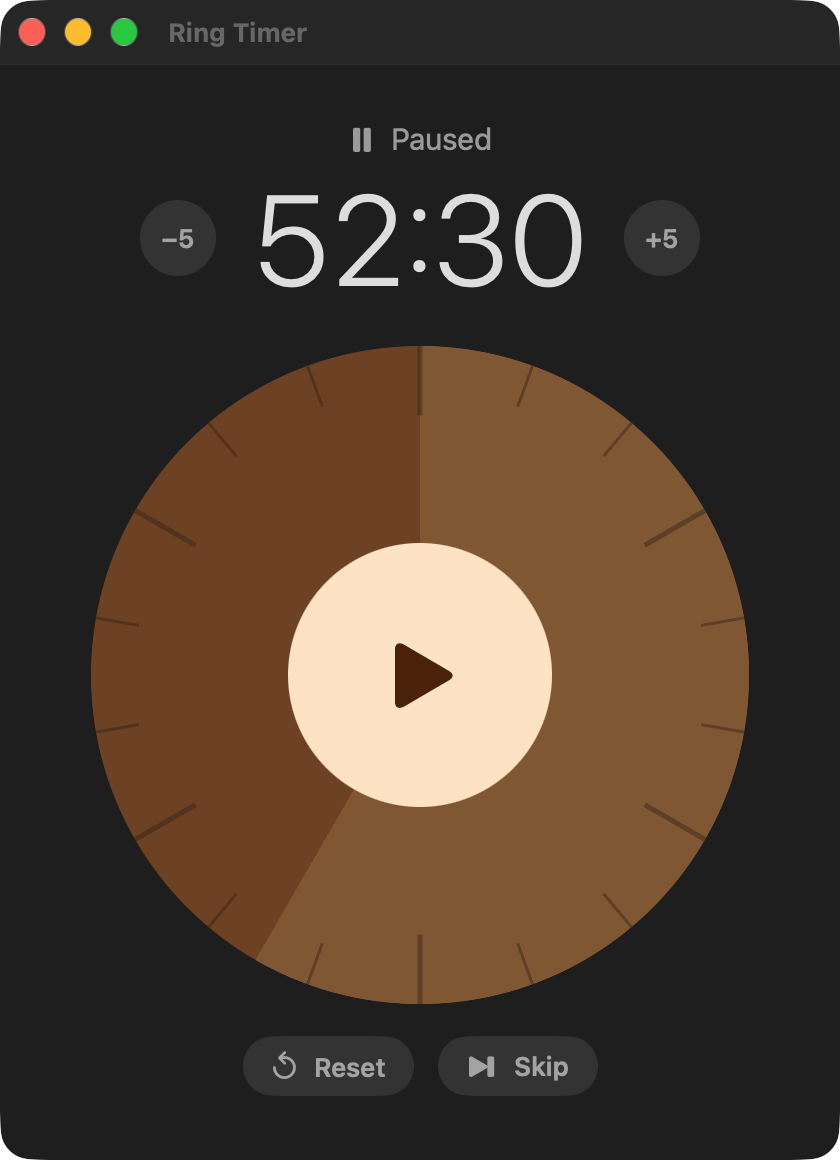
Start a 90-minute timer, work until the ring runs out, then take a real 30-minute break. Prefer shorter sessions? Set any length you like, save it, and go.
A ring you can read at a glance
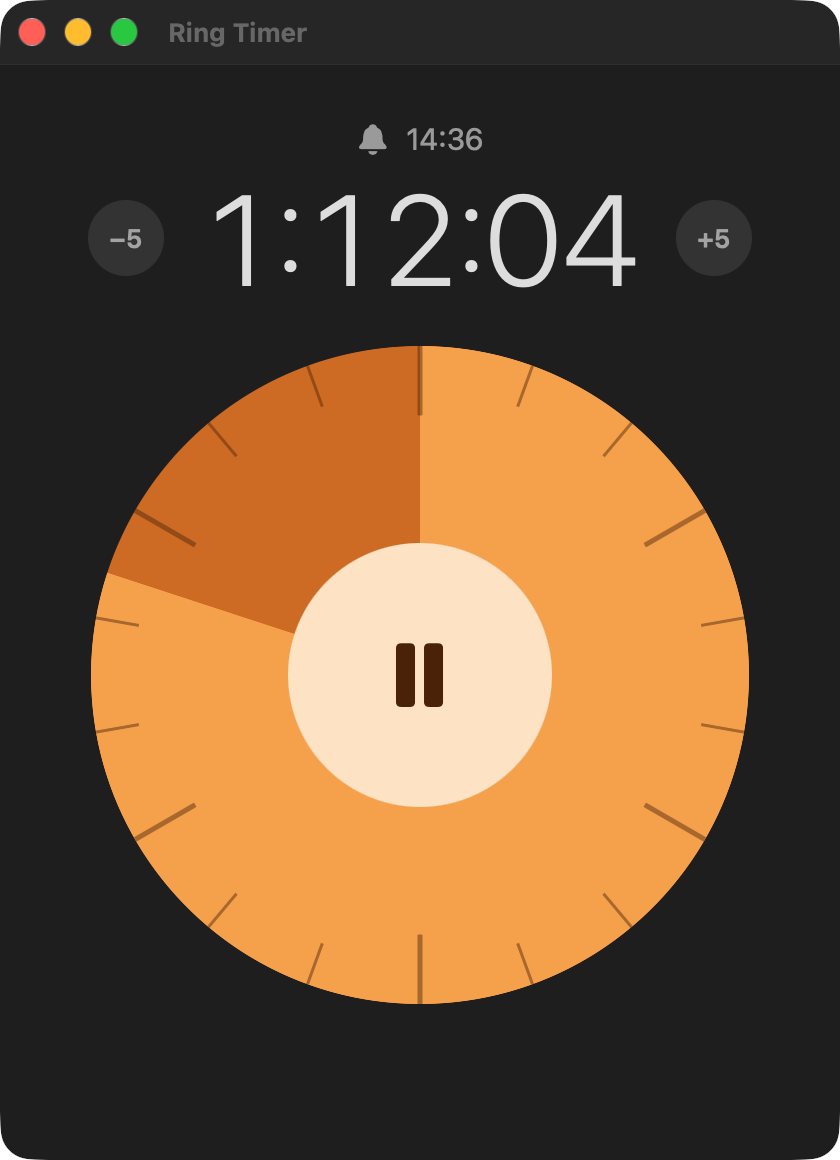
The time left drains around a clean dial, with a large countdown above it and the time your session ends. Orange while you work, teal while you rest.
Always in your menu bar
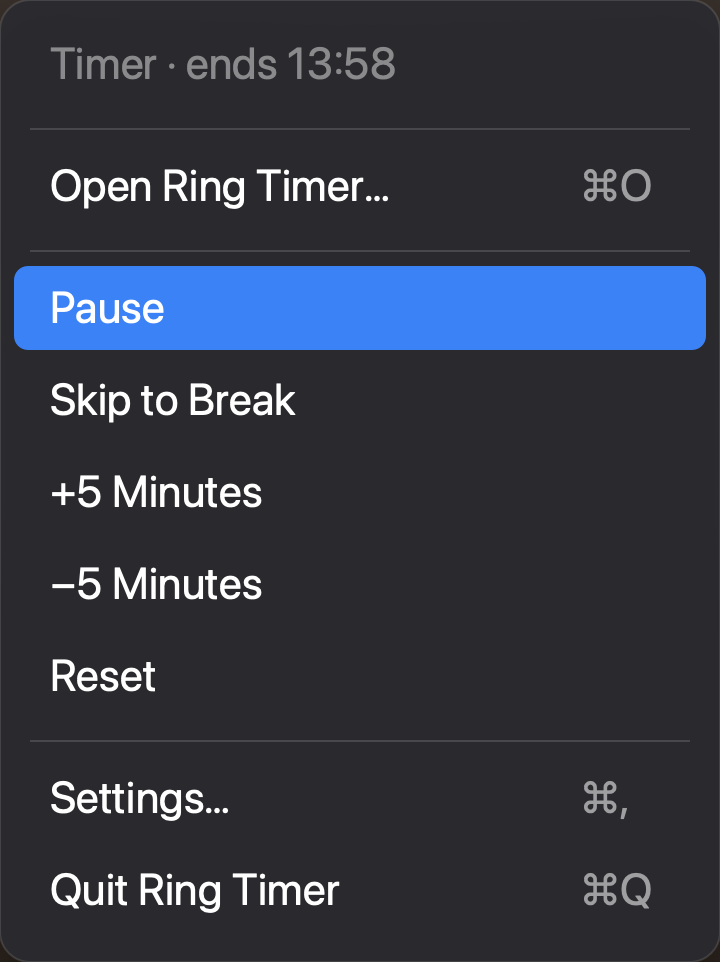
A small ring and the time left, steady as the seconds tick. Click it to pause, skip to your break, add or take off time, or reset, without opening a window.
Breaks that wait for you
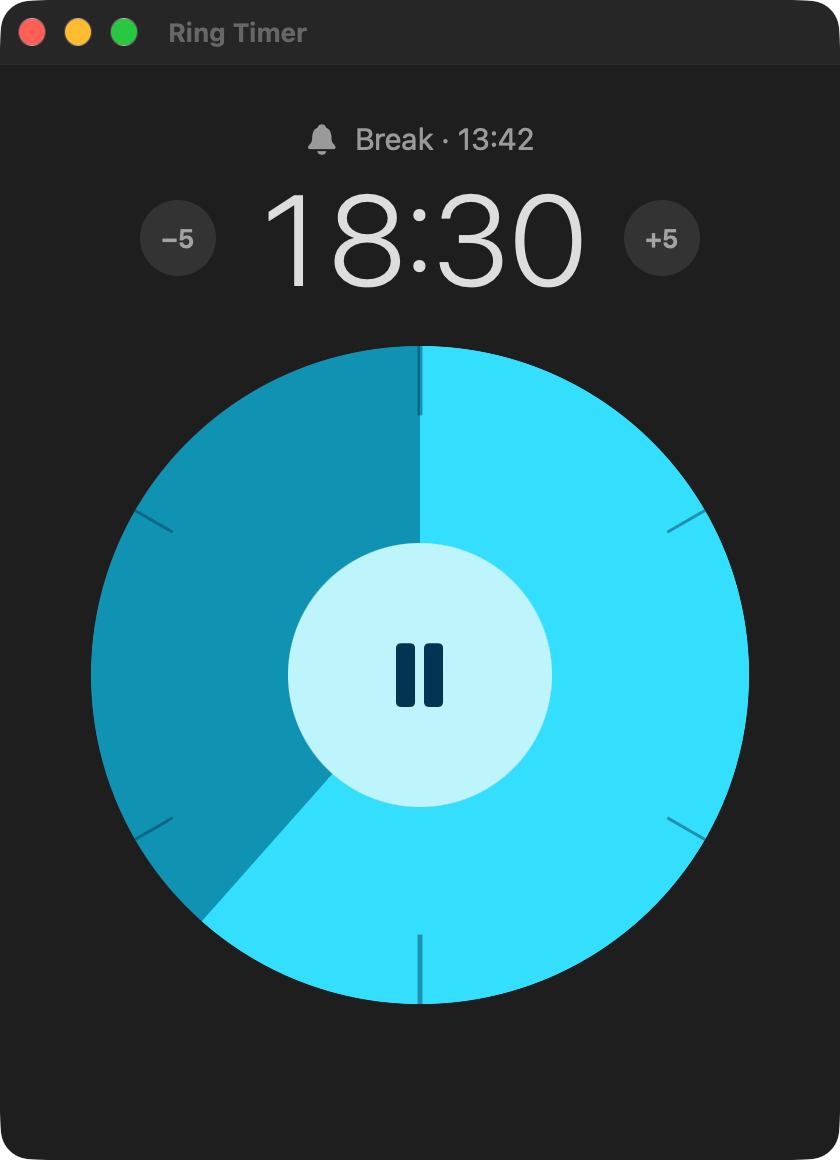
When a session ends, Ring Timer plays a gentle sound and sends a notification. The next session starts only when you say so, so a break never runs away from you.
Your rhythm, saved
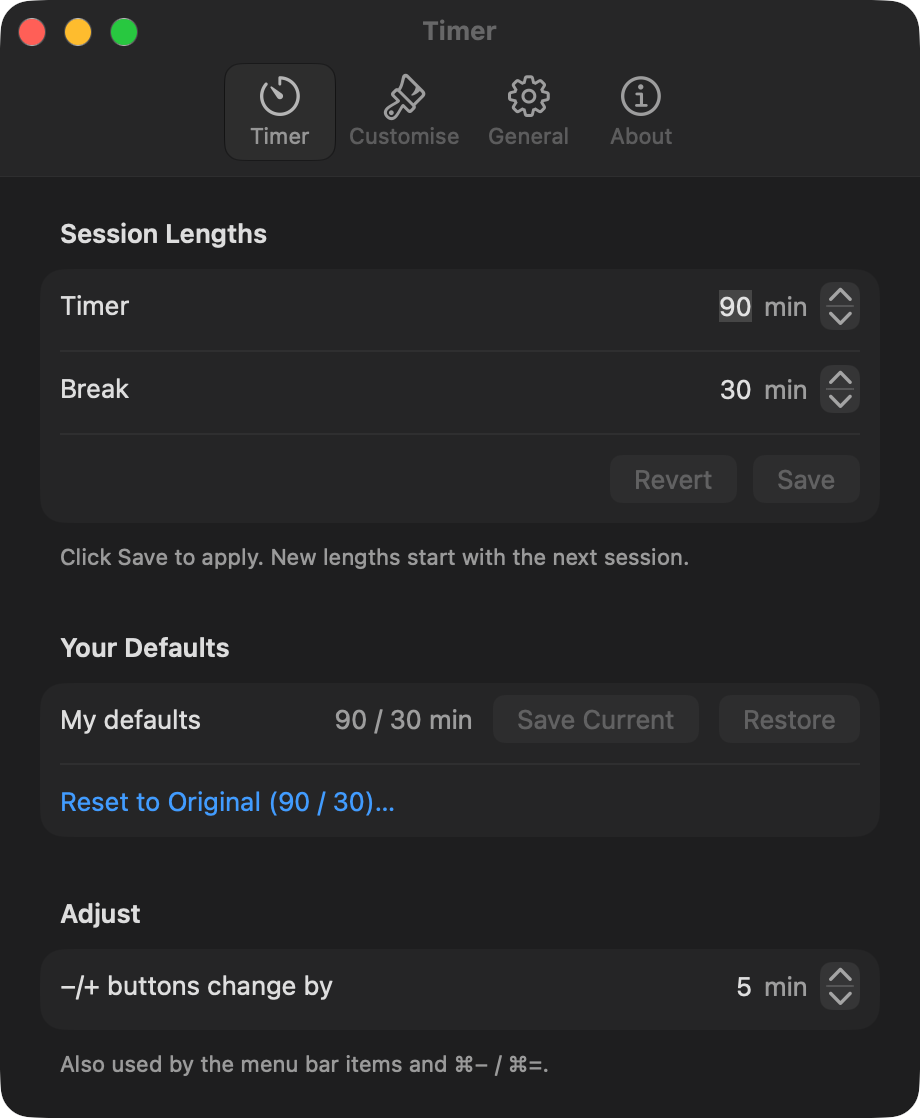
Set the timer and break lengths, keep them as your own defaults, or go back to 90 / 30.
Make it yours
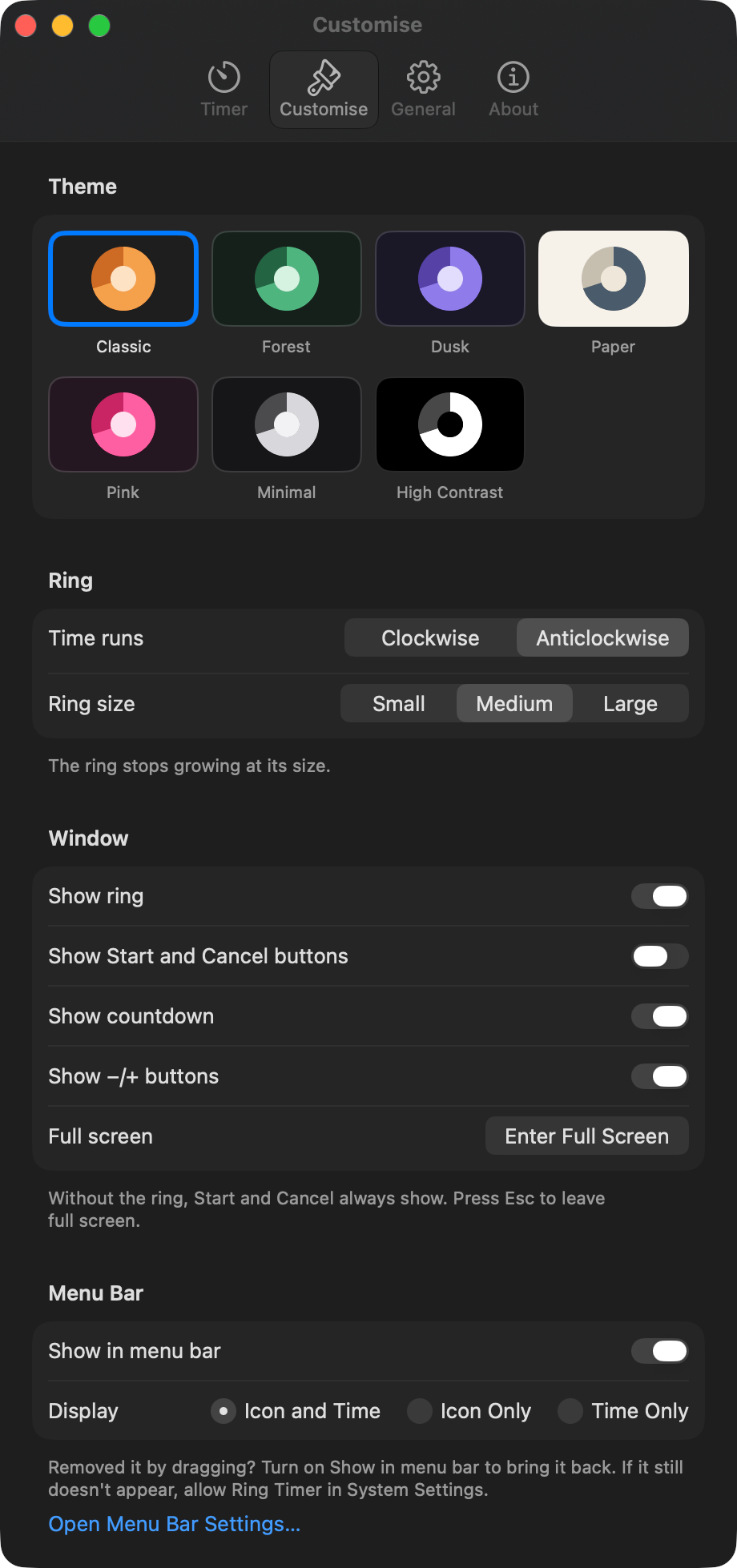
Seven themes, including Minimal and High Contrast. Choose the ring's direction and size, show only what you want to see, or go full screen. It follows your Mac's Increase Contrast and Reduce Motion settings too.
Nothing else. Just time.
No account, no tracking and no ads. Ring Timer collects no data, and nothing you do in the app leaves your Mac.